
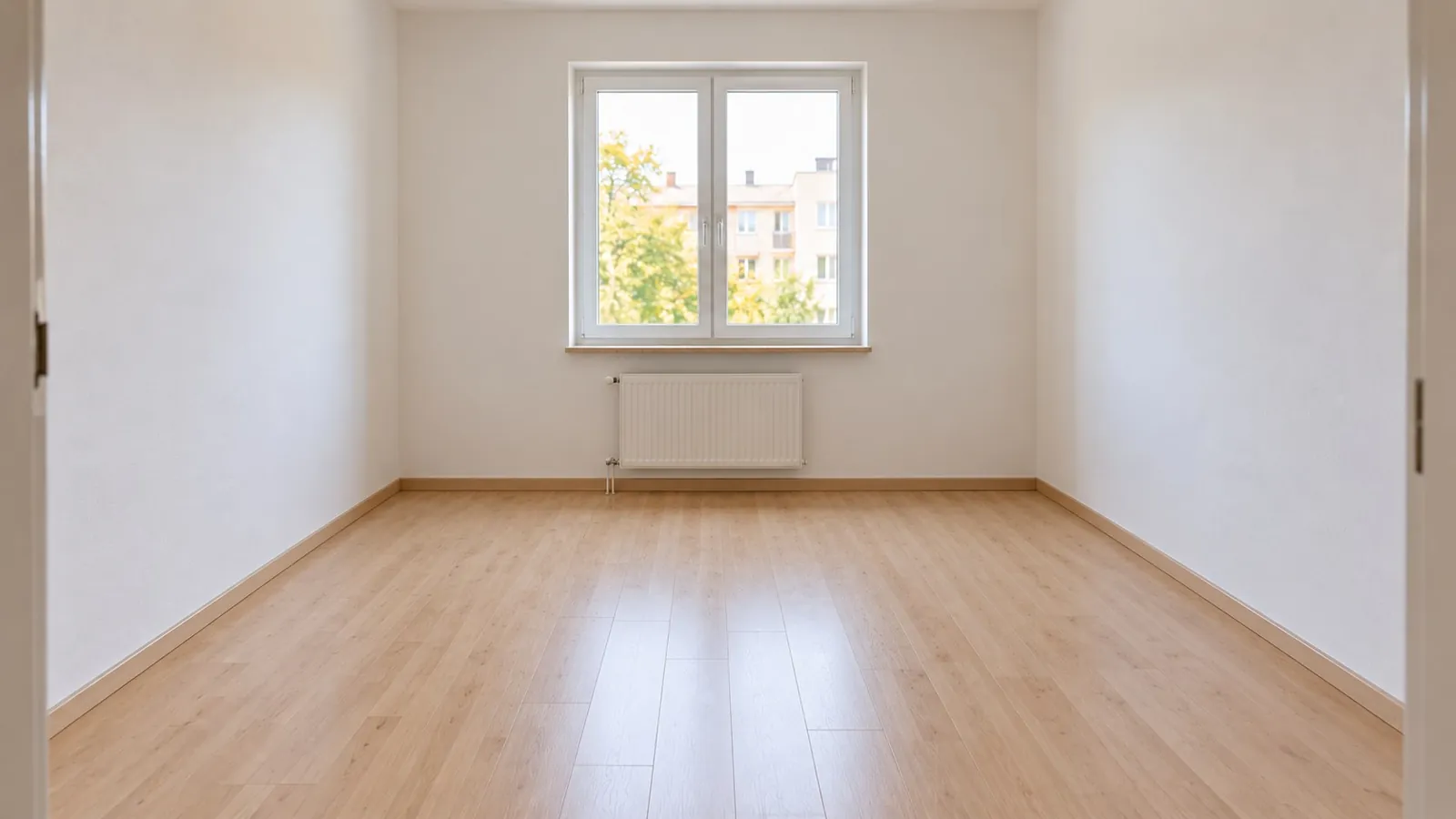
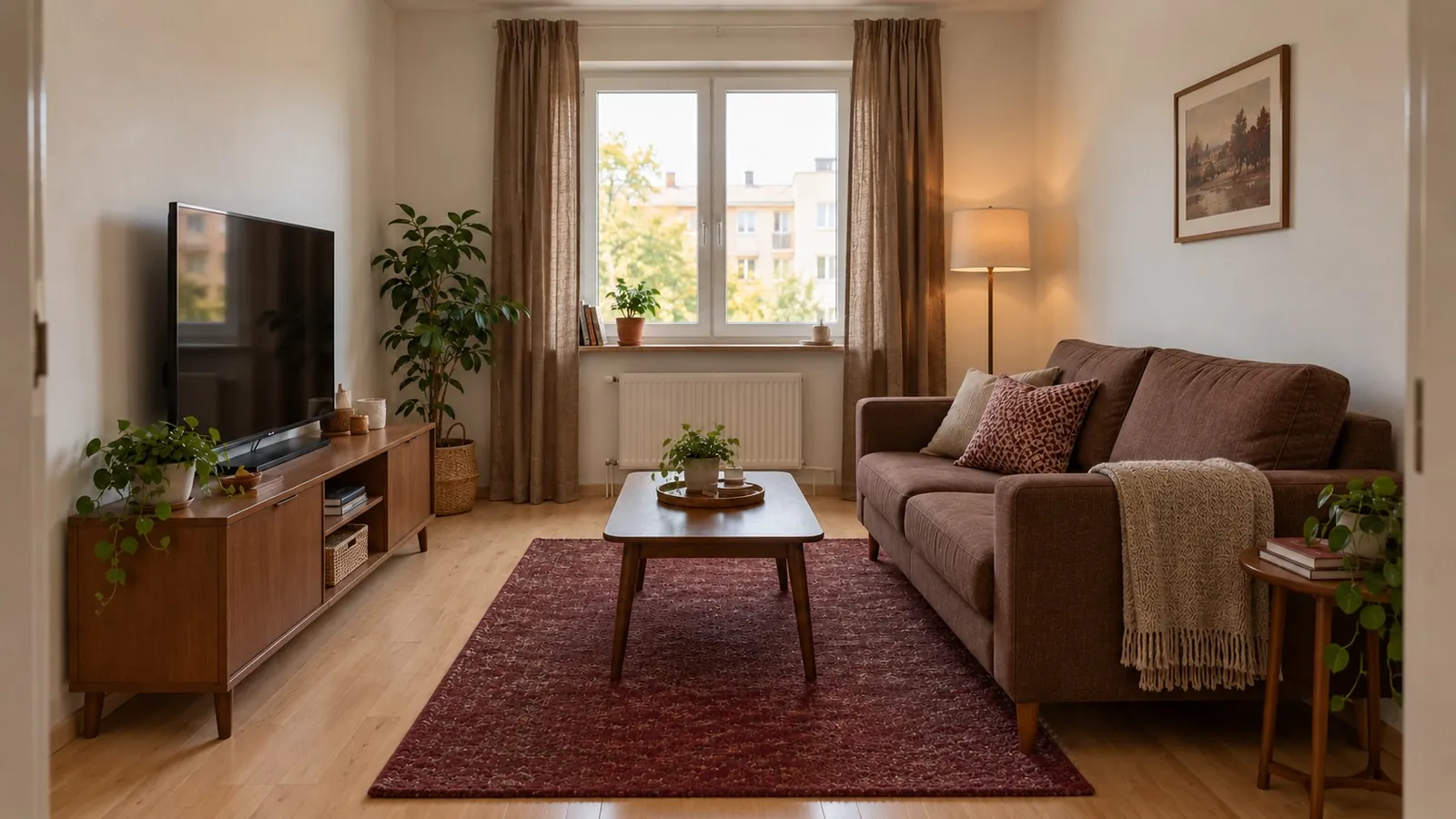
What does AI furniture removal do?
AI furniture removal edits a room photo to erase selected items and reconstruct the space they covered. Archi includes this feature so you can explore a cleaner starting point for an interior concept or virtual staging.
Start with a useful room photo
- Take a clear photo. Good lighting and a wide view give the editing process more visible context.
- Use Furniture Removal in Archi. Work with the items you want to clear from the image.
- Inspect the edited area. Check edges, floor patterns, shadows and surfaces before using or sharing the result.
Why remove furniture before redesigning?
An existing sofa, table or cabinet can dominate your impression of a space. Clearing furniture from an image can help you think about the room’s possibilities more freely. Follow with virtual staging or explore a new AI room design direction.
Reconstructed surfaces are estimates
A photo does not reveal the floor or wall behind a piece of furniture. AI fills that area with a visual estimate. The edited result cannot confirm the real condition, finish or dimensions of the hidden surface.
Use the result to explore, then verify
Compare the edited image with the original. Keep a copy of the unedited photo, and inspect your actual room before ordering materials or planning work. If you use an edited image in a property listing, disclose the edit and check the platform’s requirements.
See an idea for your own space
Download Archi for iPhone or iPad with iOS 16.0 or later. Available features and purchase terms are shown in the app and the App Store.
View Archi on the App StoreAI concepts are inspiration, not measured construction plans.